Does Mobile Mining Drain Your Battery? A Practical Android Guide
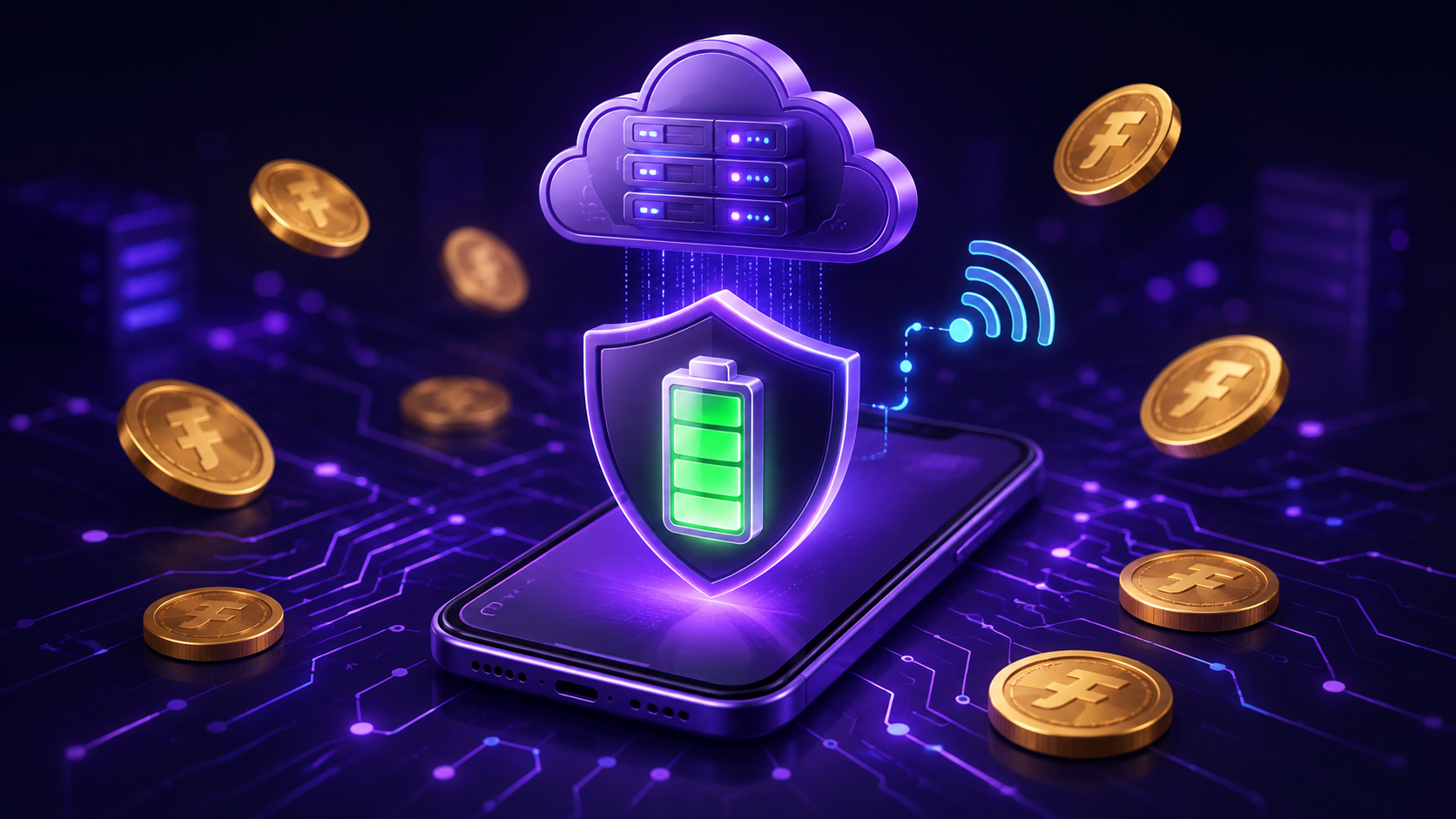
Does mobile mining drain your phone battery? The answer depends on what the app actually does. A screen showing a growing reward balance does not, by itself, mean your phone is performing cryptocurrency mining. Checking a server-managed activity session is different from running intensive computation on the device.
This guide explains those differences, how to review battery use on Android, and what to check when using a mobile rewards app such as Finora. If you are new to the subject, start with our guide to mobile cloud mining and daily rewards.
Three different meanings of mobile mining
The word “mining” is used for several different experiences. Before comparing battery claims, identify which experience an app provides.
- On-device cryptocurrency mining: The device performs mining computation. Google Play's current policy prohibits apps that mine cryptocurrency on the device.
- Remote mining management: An app controls or monitors mining performed elsewhere. Google Play permits this category, but that permission does not verify a particular provider's operation or claims.
- Participation-based rewards: An app awards virtual points or coins for eligible activities. A mining-style timer or balance display is not evidence that those rewards are generated by blockchain mining.
You can read the distinction in Google Play's blockchain-based content policy. Check the app's own description and terms to understand what its balance represents.
Why a rewards app can still use battery
Avoiding on-device mining does not make an app battery-free. Displaying the interface, communicating with a server, loading images and showing videos all involve normal phone activity. A reward session and the time you spend interacting with the app are separate things.
For example, opening an app briefly to check a balance is a different usage pattern from spending a long time watching videos or playing games. Compare similar activities before concluding that a reward timer itself caused a battery change. This article does not report a measured Finora battery benchmark.
How to check battery use on your Android phone
- Find your phone's battery settings. Open Settings and look for Battery or Battery usage. Names and available details vary by manufacturer and Android version.
- Review the app alongside your usage. Note how long you used the screen, whether you played games or watched video, and the period covered by the battery report.
- Compare similar days. Keep your usual screen time and activities broadly comparable. A single percentage reading is not a controlled test.
- Investigate unexpected use. Check available app and system updates, review the manufacturer's battery guidance, and contact app support if the behavior continues.
Google's Android battery guide recommends reducing screen brightness, limiting demanding activities and avoiding overheating. It also explains that Battery Saver can delay some background activity and network features. Follow device-specific instructions when changing these settings.
What this means for Finora users
Finora's official Google Play listing describes a digital rewards platform with virtual in-app coins, daily activities and reward history. It describes eligible gift-card redemption subject to availability and platform terms, rather than cryptocurrency trading or cash withdrawals.
Treat FNR as the platform's virtual reward balance. Check your activity history and the current eligibility rules to understand what has been credited and how it may be used. A displayed balance should not be treated as a guaranteed cash amount.
When reading about planned features, compare them with the Finora Roadmap and the options currently available in your account. A future milestone does not mean a feature is available today.
A simple checklist before starting a session
- Use the official app listing linked from the Finora homepage.
- Read the session instructions and check that the app confirms your action.
- Review your reward history instead of relying only on a running animation.
- Use your phone's battery report to assess actual usage.
- Check reward eligibility before making plans around a balance.
For a broader comparison checklist, read Top Mobile Mining Apps to Watch in 2026. Evaluate clear rules and observable app behavior alongside the words used in marketing.
Frequently asked questions
Does a mining timer prove that my phone is mining cryptocurrency?
No. A timer can display a participation period or server-managed activity. The app's documentation should explain how its rewards work.
Can a mobile rewards app promise zero battery use?
Using a phone app involves normal device activity. Without a defined test and measurements, an absolute battery claim does not tell you what to expect on your own phone.
Will Battery Saver affect my rewards?
Battery Saver can delay some app activity. Whether that affects a particular action depends on the app's rules and implementation. Confirm important actions in your activity history and contact support if a credit is missing.
Where should I check Finora's current reward options?
Use the official app, its current redemption terms and the Finora blog for product updates. Review your account's eligibility rather than assuming every advertised or planned option is available.