Arrows Brain Escape: Arrow Puzzle Game Guide and Tips
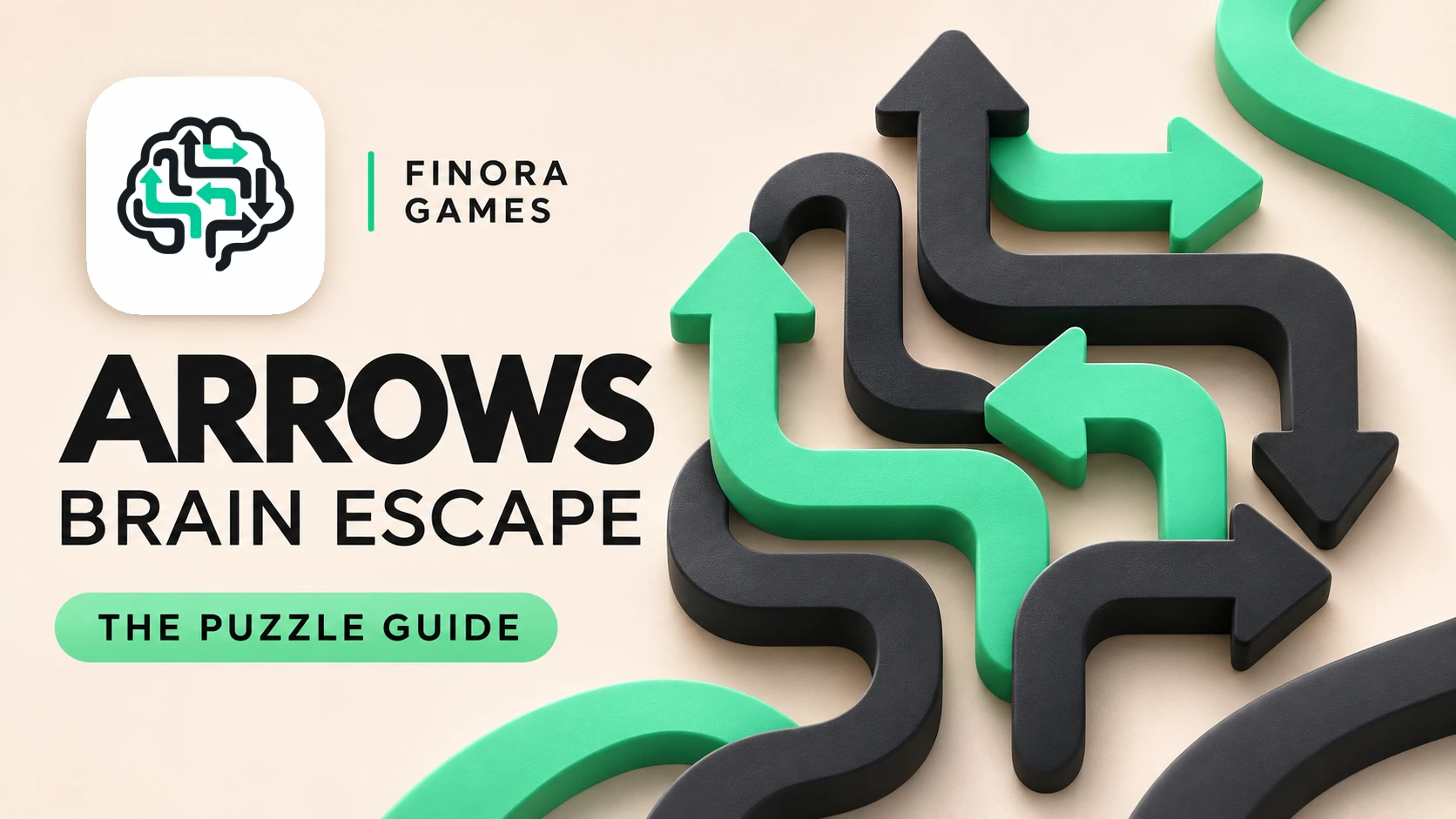
Arrows – Brain Escape is an Android puzzle game where each arrow moves in the direction it points. Your goal is to clear the board by choosing an order that opens every blocked path.
How to play
Trace an arrow’s route before tapping. If another arrow blocks the route, remove that obstruction first. Tap an arrow with a clear path, then inspect the board again. A blocked move costs a heart, so careful planning helps preserve your attempts.
For example, a right-facing arrow might be blocked by an upward-facing arrow. If the upward route is clear, remove that arrow first and return to the right-facing one. More complex boards extend this same dependency chain.
Arrow puzzle tips
- Find arrows with clear exits before selecting your first move.
- Trace each blockage until you identify an arrow that can leave.
- Recheck the board after every removal: one move can free several paths.
- Pause after a failed move instead of repeating guesses.
- Read the instructions for Hint, Hammer and Guide before using those tools.
Levels, daily challenges and offline play
The official Google Play listing describes 1,000 handcrafted puzzles, a Daily Challenge, daily check-in rewards, collectible arrow skins and light and dark themes. Main puzzles support offline play without timer pressure. Connected features such as cloud saving need internet access.
An optional game account supports cloud progress. Before switching devices, confirm your progress has synced and use the same account on the new phone.
Optional Finora rewards
Finora connection is optional. The official listing describes this connection for players aged 18 or older who use Finora. Eligible points from new level wins can participate in the configured rewards system, and connected players can join a weekly league. Read current eligibility and conversion conditions inside the apps. Virtual points and FNR do not guarantee cash income.
Official Android download
Download Arrows – Brain Escape on Google Play. Check the package name com.finora.arrow to distinguish it from similar titles.
Frequently asked questions
Why will an arrow not move?
Another arrow may block its pointing direction. Inspect the full route and clear the obstruction first.
Can I play offline?
The listing supports offline puzzle play. Cloud saving and connected services require internet access.
Is Finora required?
No. Connecting Finora is optional.
How do I approach difficult boards?
Work backwards through the blocking chain, remove a piece with a clear exit, then reassess.
Try the Screws Brain Escape guide for a different logic challenge.
Source: official Google Play listing linked above, checked 4 November 2026. Features may change.